
1a - show Open dialog.
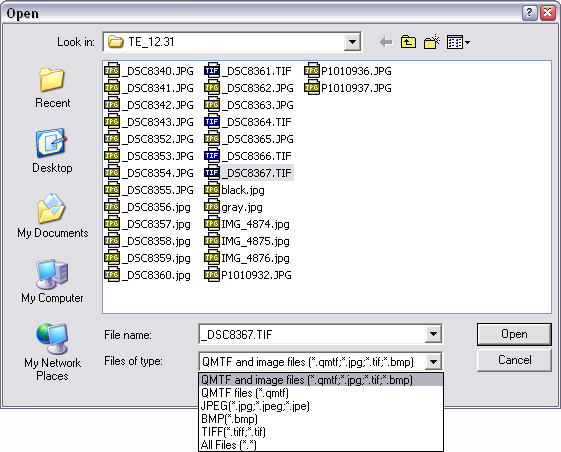
You can select one or more files by pressing control or shift and using a left mouse click.
1b - show Open dialog for opening group of files and apply the same ROI to them.
1c - show Save dialog for saving a workspace in .qmtf format.
2a, 2b - zoom in or out.
2c - display an image at 100%.
2d - scale the zoom level to fit an image the available window space.
3a - show/hide the Main panel.
3b - show/hide the Plot panel.
3c - toggle the Main panel and the Plot panel top or bottom.
3d - show/hide the Table.
4b - show/hide LSF(line spread function)plot.
4c - show/hide Edge profile plot.
5 - show noise component of the ROI
6a - add current measurement to the table (hotkey Enter).
6b - add all available measurements to the table (hotkey Ctrl+Enter). May be helpful after opening a group of files with the same ROI (see File group).
6c - remove selected items from the table.
6d - remove all items from the table.
6e - open Excel export file dialog.
6f - open HTML export file dialog.
6g - open Excel export settings dialog.
| Home - Download - Purchase - Quick MTF © 2006-2015 |